
ParentSquare
Sign Up or Login
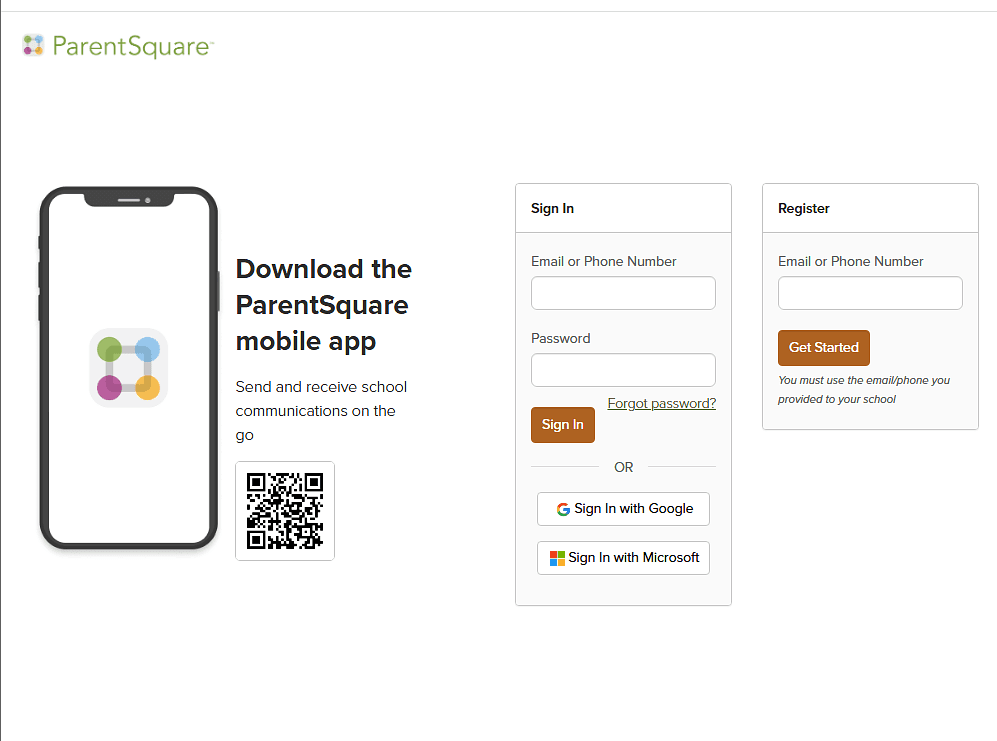
Access the ParentSquare sign in page with the button below.
Enter your email address or cell phone number to sign in. (Please use same contact information you used when enrolling your scholar)
If the ParentSquare system does not recognize your email or cell phone number, and you are signing up for the first time, check your email account for an activation email from ParentSquare. (Be sure to check your junk mail folder if it does not appear in your inbox) If you have not received an email, please sign up for a ParentSquare account on the log in page.
To see a helpful video on how to get started using ParentSquare, click here.
Para obtener más información sobre cómo empezar con ParentSquare en español, haga clic AQUI.
(Must be signed in for link to direct you to desired page.)
ParentSquare Sign In PageJoin ParentSquare Groups
From your laptop or desktop, drop down to "Participate" on the left side of your ParentSquare screen, then click Groups to see what is available to you. Join groups that interest you by clicking - you guessed it - "Join." From your smartphone, tap "More" at the bottom right, then tap "Groups" under Participate. View the groups available to you, find those you need and tap "Join"
For more information on how to join groups, click here. (Must be signed in for link to direct you to the desired page.)